
Start by selecting a source image
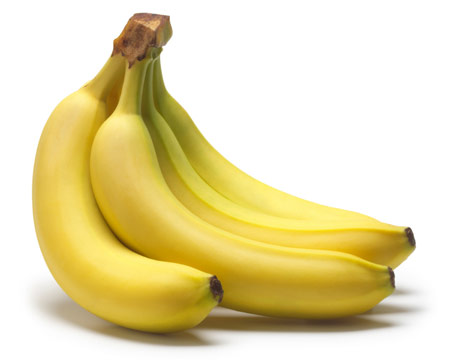
This one was found on google images by searching for banana
Open the image in GIMP/Photoshop etc
Crop to 4:3
Resize to 160x120 or 120x160
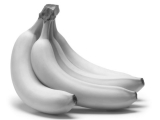
Change the colour from RGB to greyscale
It should look like this now
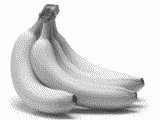
Change the colour from greyscale to indexed colour, choose, 8 colours and dithering turned on
It should look like this
This is where it gets a little tricky
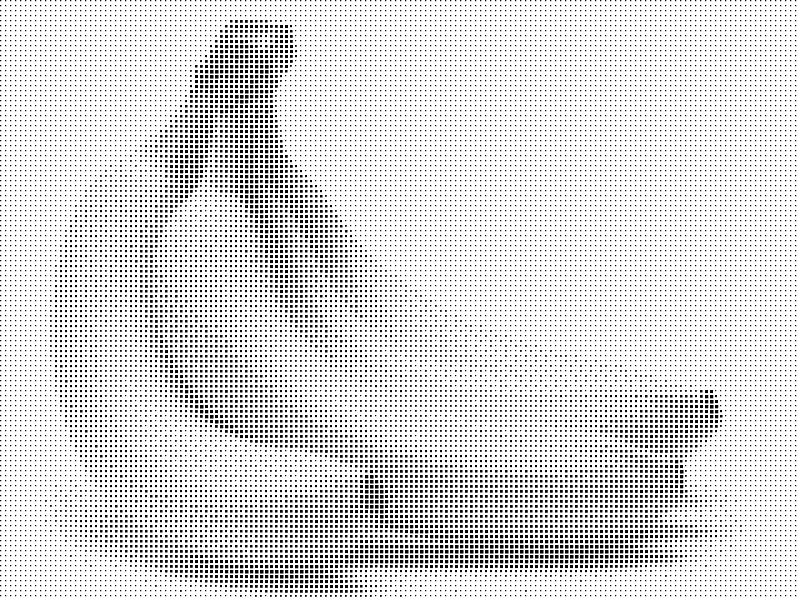
for each colour of grey we want to make a square of increasing size to show how dark it is
I have written a little program that does this,if you really want I can do this step for you
see the previous post
here is the output as a PNG and PDF
PNG
The trick is now to enlarge this image to be as big as your canvas
There is a neat tool called "Poster" which is part of Linux UI package KDE, if you arent familar with command line tools the stuff below will seem like it is in a foreign language
Usage: posterinfile options are: -v: be verbose -f: ask manual feed on plotting/printing device -i : specify input image size -c : horizontal and vertical cutmargin -w : horizontal and vertical additional white margin -m : media paper size -p : output poster size -s : linear scale factor for poster -o : output redirection to named file At least one of -s -p -m is mandatory, and don't give both -s and -p is like 'A4', '3x3letter', '10x25cm', '200x200+10,10p' is either a simple or % Defaults are: '-mA4', '-c5%', '-i ' read from input file. and output written to stdout.
So with a bit of luck you can get this to produce say a 4x4 grid of a4 sheets that you can print on a standard laser or inkjet
I have attached the sample PDF for the bananas
Feel free to print out 18 pages : PDF of the tiles of the poster
Using the grid references in the corner you can arrange the tiles
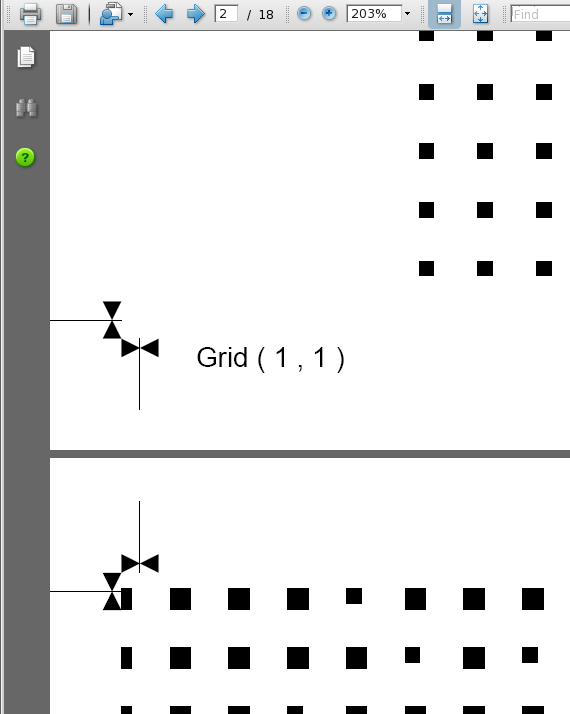
the little cross hairs will help you line it all up
If you wanted to cheat you could use this for paste ups
But if you want stencils then is the labourious bit
Printing onto transperancies, cutting out all the squares
If you made a tool of each square size as a punch you could save some time
Then spraying aerosol enamel paint through the squares onto canvas or whatever
You get too cut out 19200 squares, woo hoo!
- Log in to post comments
Comments
Hey Sam! Yeah this is cool -I had checked this page before. I
- Log in to post comments
Sorry my source is here: http://www.hodge.net.au/sam/blog/?p=
- Log in to post comments